HTML FormatterDeveloper Tools
Beautifies HTML with consistent indentation, including inline CSS and JavaScript.
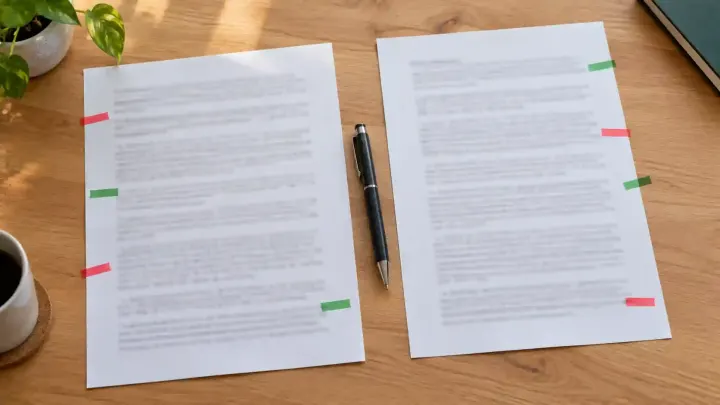
Two versions of a contract, a config file, or a web page's HTML look the same until something breaks. Put them side by side in a diff, clean up the formatting first, and every real change stands out.
A changed port number, a dropped comma in a clause, or one attribute in a page template is easy to miss when you read two long versions one after the other. The eye fills in what it expects to see. In code and config files, that one change is often the reason something stopped working.
Formatting adds noise on top. When one copy of a page's HTML is minified onto a single line and the other is indented, every line differs, and the real change is lost among them.
For HTML, run both versions through the HTML Formatter with the same indent. It puts block elements on their own lines, indents their children, and formats inline scripts and styles. It changes layout only. It does not close missing tags or report errors.
Then paste the old version into Original and the new one into Changed in the Diff Checker. It finds the changes with the Myers diff algorithm, the same approach Git uses, and marks removed text in red and added text in green, side by side or in a unified view. Compare by lines for code, or by words or characters for prose. Ignore whitespace and Ignore case remove differences you don't care about. Both texts stay in your browser, and each side can be up to 2 MB.
Paste one version into Original and the other into Changed in the Diff Checker, then press Compare. Removed text is red and added text is green.
Yes. Copy the HTML source of each version, format both in the HTML Formatter, and compare the results in the Diff Checker.
No. The Diff Checker and the HTML Formatter both run in your browser.
Line mode compares whole lines. The changed words inside the line are highlighted more strongly, or you can compare by words instead.
Tools used in this guide
Beautifies HTML with consistent indentation, including inline CSS and JavaScript.
Compares two texts or code files and highlights added, removed, and changed lines.