
WAV vs MP3 for a voice recording
Choose between a PCM WAV source and an MP3 delivery copy for a voice recording, compare file-size settings, and keep the original for later edits.
FreeNo sign-up. Most tools run in your browser.
Calculators, converters, text, image, audio, PDF, SEO, DNS, and network tools, plus developer utilities. Tool pages explain their methods, examples and limits so you can check whether a result fits your task.
Pick a category to see every tool in it, or jump straight to one of the tools below.
Loan, mortgage, interest, health, date, time, percentage, and everyday calculators.
View more tools in CalculatorsUnit, number, text, time zone, data size, and data format converters.
View more tools in ConvertersFormatters, validators, generators, and testers for everyday coding work.
View more tools in Developer ToolsSubnet, IP address, domain, bandwidth, download time, and browser tools.
View more tools in Internet ToolsCompress, resize, crop, and convert images, and clean up SVG files.
View more tools in Image ToolsMerge, split, rotate, and convert PDFs, and pull text out of PDF and Word files.
View more tools in PDF & Document ToolsCount words, sort lines, remove duplicates, split or merge text, and clean up CSV data.
View more tools in Text ToolsConvert and edit audio, measure musical tempo and transcribe speech locally.
View more tools in Audio ToolsCheck page SEO, headings, canonicals, schema, links, and sitemap data, and generate the tags pages need.
View more tools in SEO ToolsLook up A, MX, TXT, NS, and other DNS records, or compare a record across public resolvers.
Ping, HTTP, whois, ASN, MAC vendor, certificate, headers, and redirects.
View more tools in Network ToolsShort how-tos that walk through a real task with one of the tools, step by step.
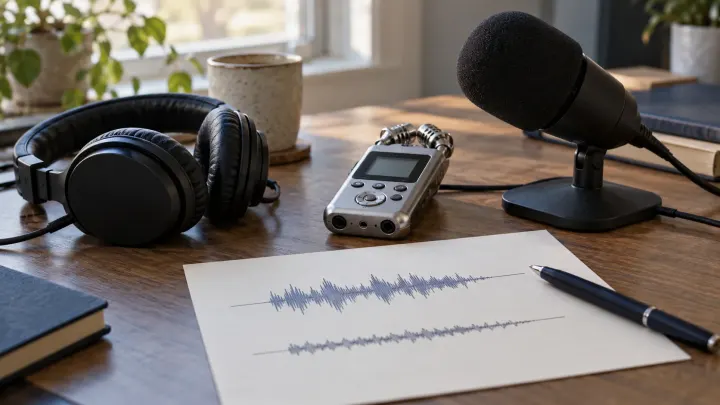
Choose between a PCM WAV source and an MP3 delivery copy for a voice recording, compare file-size settings, and keep the original for later edits.
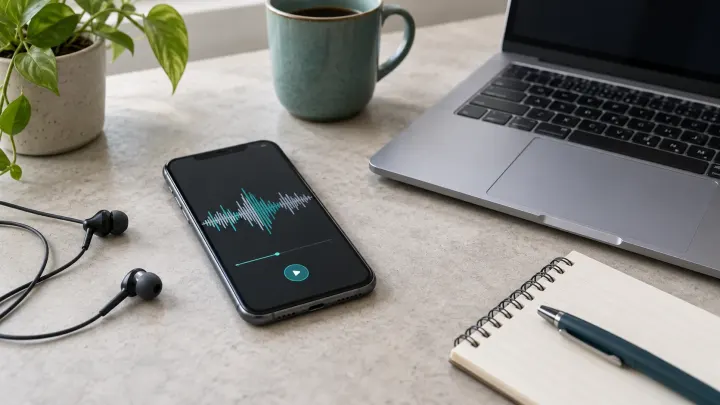
Save a Voice Memos recording as a file, convert the M4A to MP3 in Audio Converter, and check size, playback and the limits of the converted copy.

Understand HEIC, HEIF and JPEG, compare a measured conversion example, and choose a sharing copy without discarding the original photo.
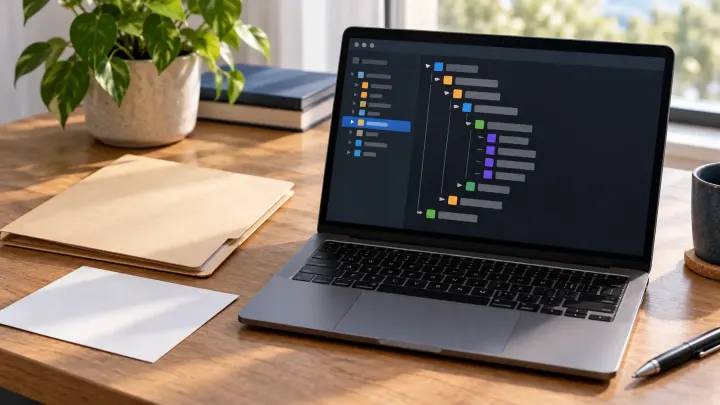
Open a JSON file in a local editor or browser viewer, locate a value in its tree, and make a readable copy while keeping the original.
Most tools process the numbers, text and local files you enter in your browser. DNS lookups, network checks, some SEO checks and API request tools use a server. Load From URL may also send the address to our server when a direct browser request fails. The privacy policy explains these routes and external services.
Tool pages describe their inputs, processing steps and limits. Calculator pages define their formulas so you can check a result by hand. Automated tests cover worked examples for a range of calculators and converters; this does not establish a test for every example or every tool.
Audio files are processed in your browser. Local speech transcription may download a model on first use and requires a compatible WebGPU device. Review transcripts, BPM and key estimates before using them. File size, duration and device memory limits apply.
The full list of Utilza tools in one place.