Aspect Ratio CalculatorCalculators
Aspect ratio of a size, or the missing side from a ratio.
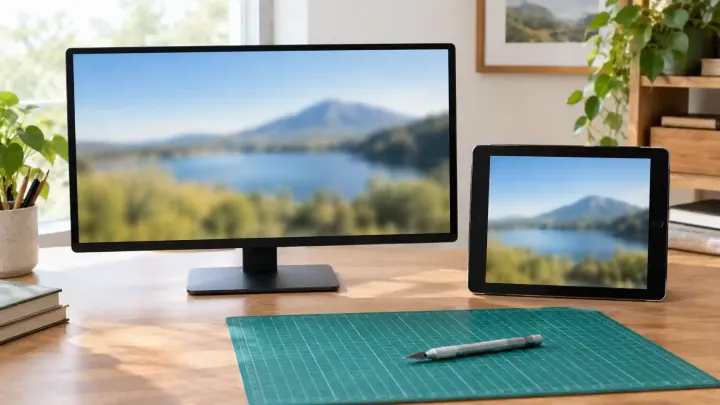
A 16:9 frame is 16 units wide for every 9 units high. Work out the missing side, then crop the image to that shape instead of stretching it.
A video, slide, or thumbnail with the wrong ratio gets fixed by whatever shows it. A player adds black bars, a page stretches the picture, or an app crops the top off a head. 1920 × 1080, 1280 × 720, and 3840 × 2160 are all 16:9, so each one fills a widescreen frame. 1440 × 900 is 16:10, and most phone photos are 4:3, so both leave bars or get cropped.
The arithmetic is short but easy to fumble under a deadline: height = width × 9 ÷ 16, so 1280 pixels wide gives 720 high. Resizing a 4:3 photo to those numbers without cropping it first squashes everything in the picture.
The Aspect Ratio Calculator works both ways. Ratio from a size reduces a width and height by their greatest common divisor: 1920 × 1080 becomes 16:9, and 2560 × 1080 is exactly 64:27, the size sold as 21:9 ultrawide. Missing side from a ratio takes a preset such as 16:9, 4:3, or 21:9 and the side you know, and returns the other side. When the answer isn't a whole number of pixels, the rounded size is shown too.
To turn an existing image into 16:9, use the Image Cropper. Set the aspect ratio to 16:9 and the crop box keeps that shape while you move and resize it, or type X, Y, Width, and Height in the image's own pixels. From a 4000 × 3000 photo, the full-width 16:9 crop is 4000 × 2250. The kept pixels are copied one for one, so cropping doesn't soften the image. It only crops; scaling the result to 1280 × 720 is a separate step.
1080 pixels: 1920 × 9 ÷ 16.
Exactly 64:27, which is sold as 21:9 ultrawide.
Crop it with the ratio locked to 16:9. From a 4000 × 3000 photo the full-width crop is 4000 × 2250. Stretching it instead distorts the picture.
No. The kept pixels are copied exactly. Only JPG output is saved again, at quality 95.
Tools used in this guide
Aspect ratio of a size, or the missing side from a ratio.
Crops images with a draggable box, aspect ratio presets, and exact pixel fields.